

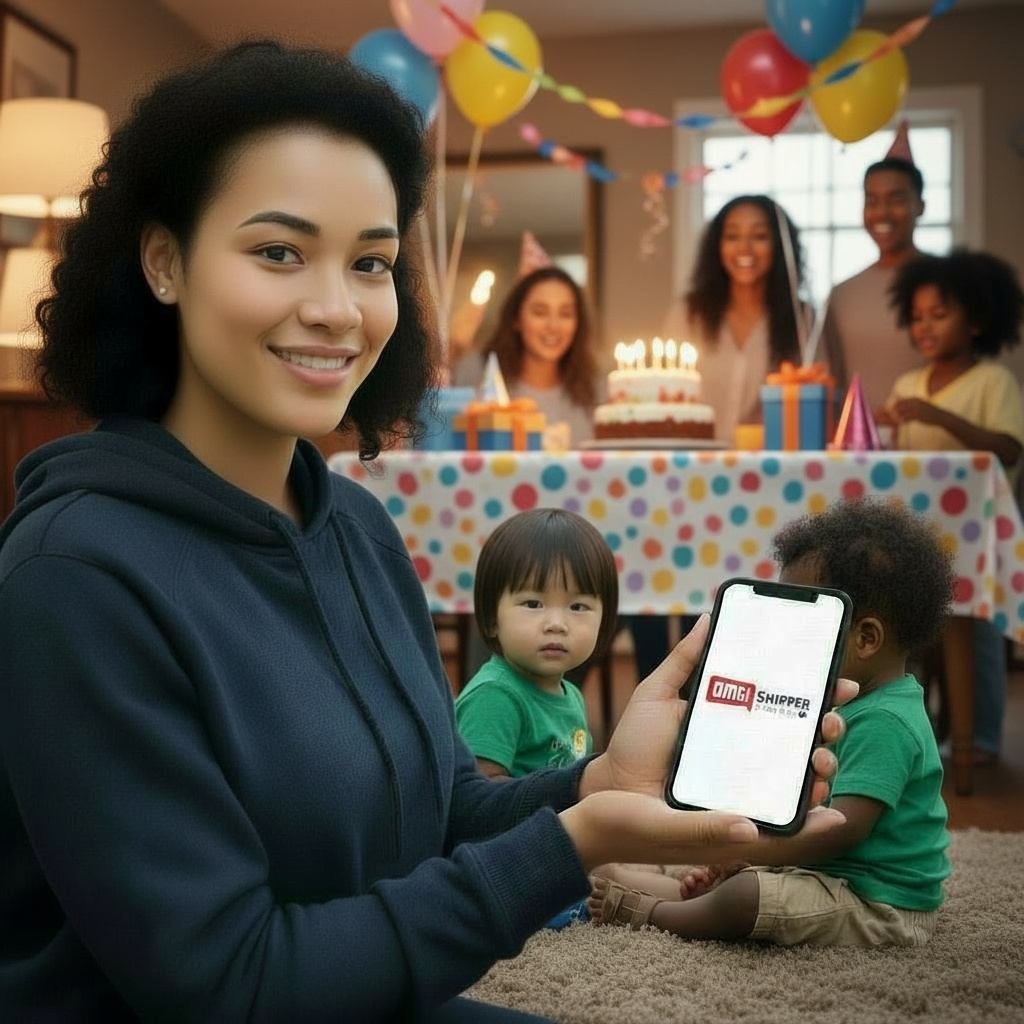
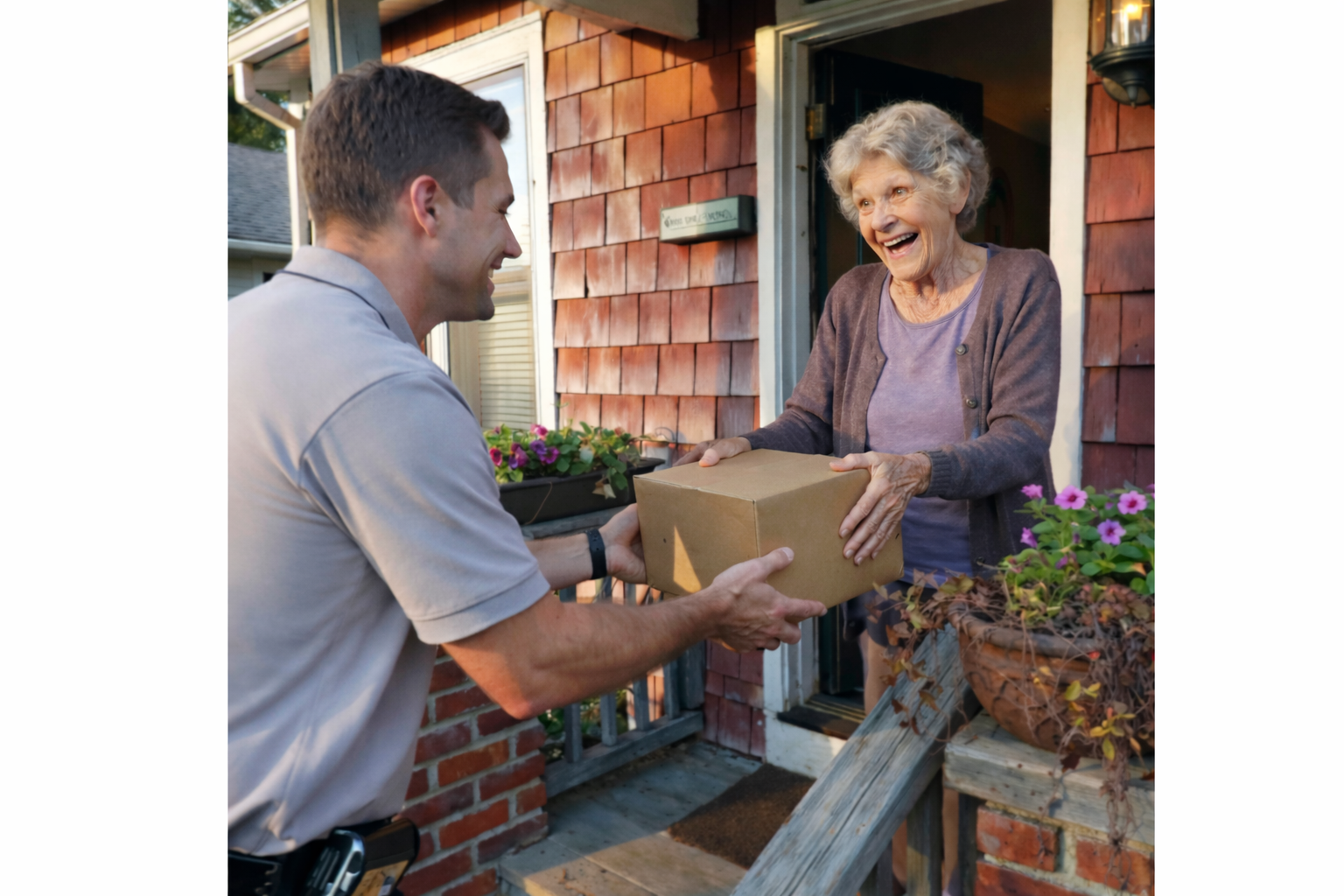
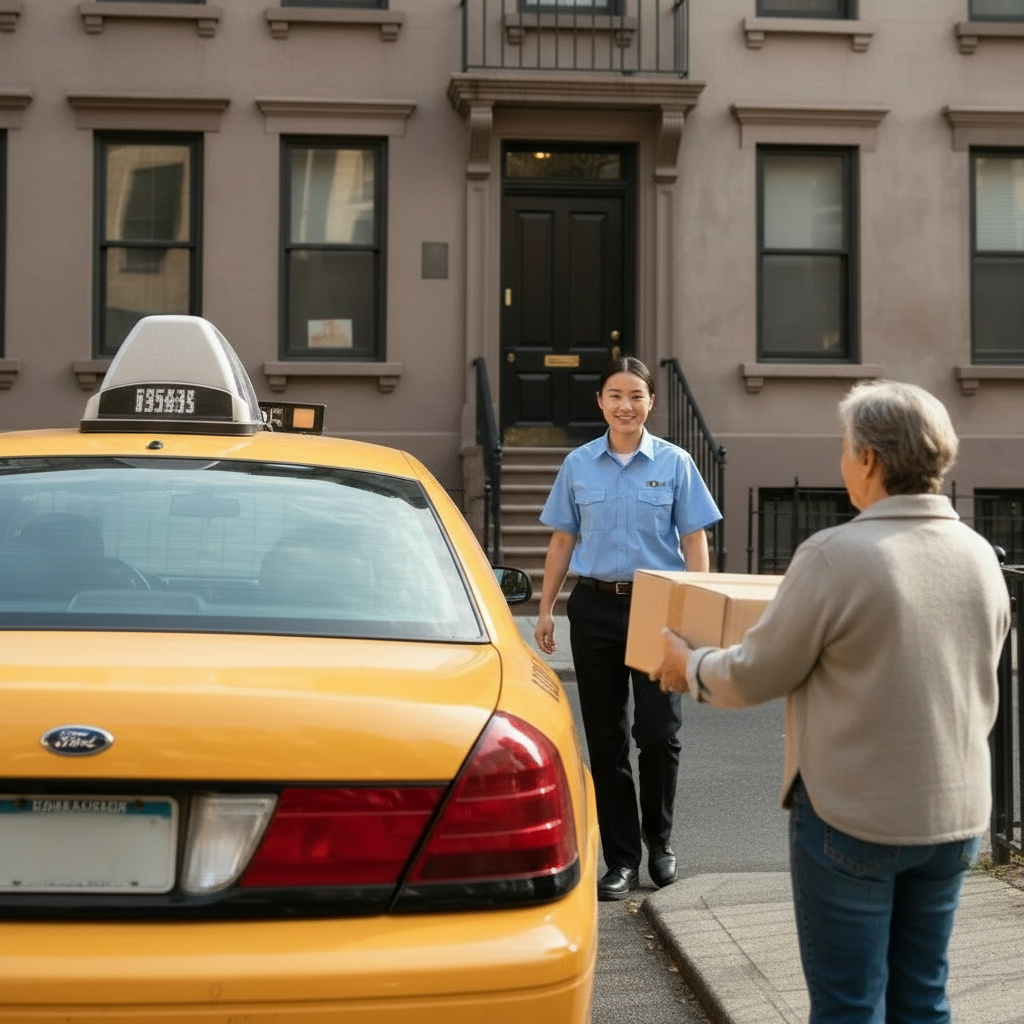
No printer? No problem. Ship your way.

Print nearby or request a driver. No lines. No extra steps.

Google Play download button for OMG Shipper App
App Store download button for OMG Shipper App

Powered by Ship Thrifty • Trusted since 2017 • Patents Pending

Shipping Just Got Super Easy

OMG Shipper request a pickup

Create or upload your label

Already have a label? Upload it. Need one? Create it right in the app — no printer required.

OMG Shipper Print & Pickup

Print nearby or we come to you

Find a Print Spot kiosk near you and walk in, or schedule a driver pickup straight from your door. You pick what works.

OMG Shipper Drop Off

Your package is on its way

Drop it off at the kiosk location, or your driver picks it up and delivers it to the carrier. Either way, you’re done.

Yes, it really is that simple!

Why Customers Say

No Printer Needed

Print your label at a nearby kiosk or let your driver handle it. You never need a printer — ever.

Print Nearby or Pickup

Walk into a Print Spot kiosk on your schedule, or have a driver come straight to your door. Two options, zero hassle.

Done in Minutes

Upload your label, choose your option, and ship. The whole thing takes minutes — not a trip across town.

Works with USPS/UPS/FedEx

Already have a label from any major carrier? Perfect. Upload your PDF and we take it from there.

Skip the Trip

No post office. No parking. No waiting in line. Whether you use a kiosk or a driver, you’re skipping the counter entirely.

Local & trusted

Powered by vetted local providers and print locations.

For People Who’d Rather
Not Go to the Post Office
(Two Options. One Easy App.)

If you can upload a PDF, you can ship with OMGshipper.

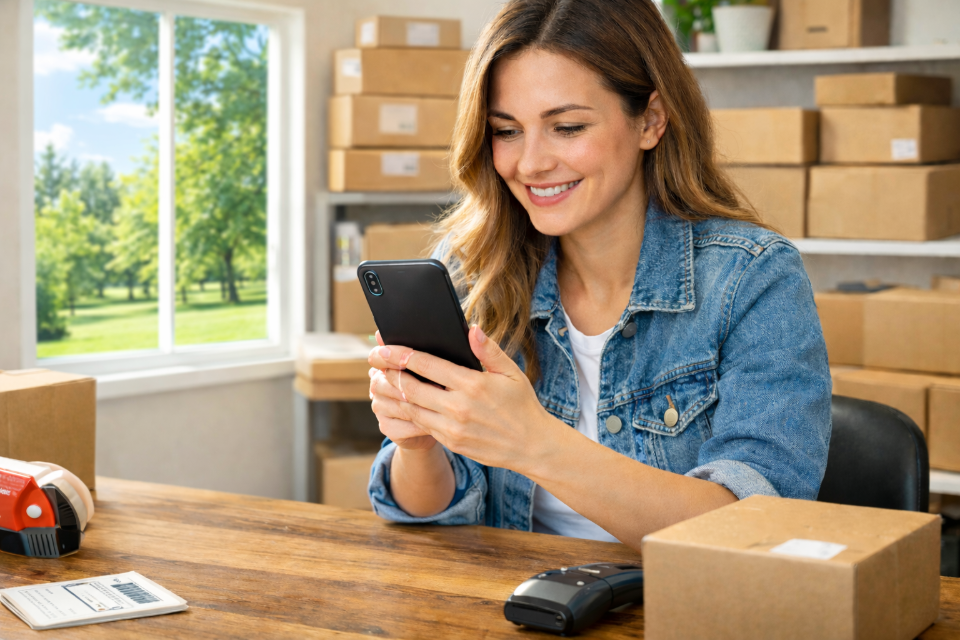
OMG Shipper: Ship from home for busy profesionals

No time for lines? Done.

OMG Shipper: Ship from home for online sellers

Ship more. Stress less.

OMG Shipper: Ship from home for remote workers

Remote Workers

Work from home. Ship from home.

OMG Shipper: Ship from home shipping returns

Casual Shippers

Returns, gifts-easy.

Everything Happens in the App

Your Shipping Options:

No printer at home? Print Spot has you covered.
Short on time? Send a driver. You choose.

1 – Print Nearby (Print Spot)

Print your label at a nearby location (no printer needed)

  • Upload or create your label in the app
  • Print as many labels as you want, no limits
  • Some locations accept package drop-off too

*Heads up: Packages left at a Print Spot are at your own risk.

Google Play download button for OMG Shipper App
App Store download button for OMG Shipper App

2 – Send a Driver (Print + Pickup)

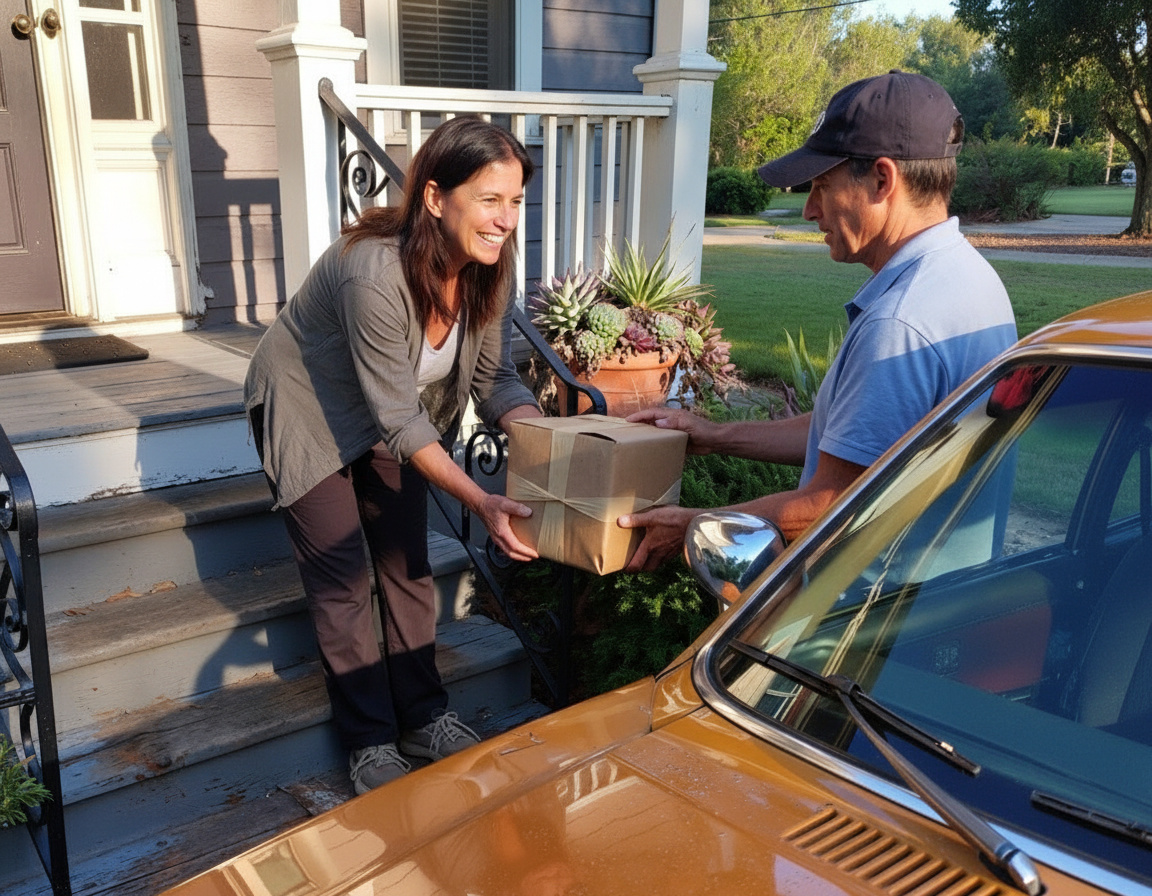
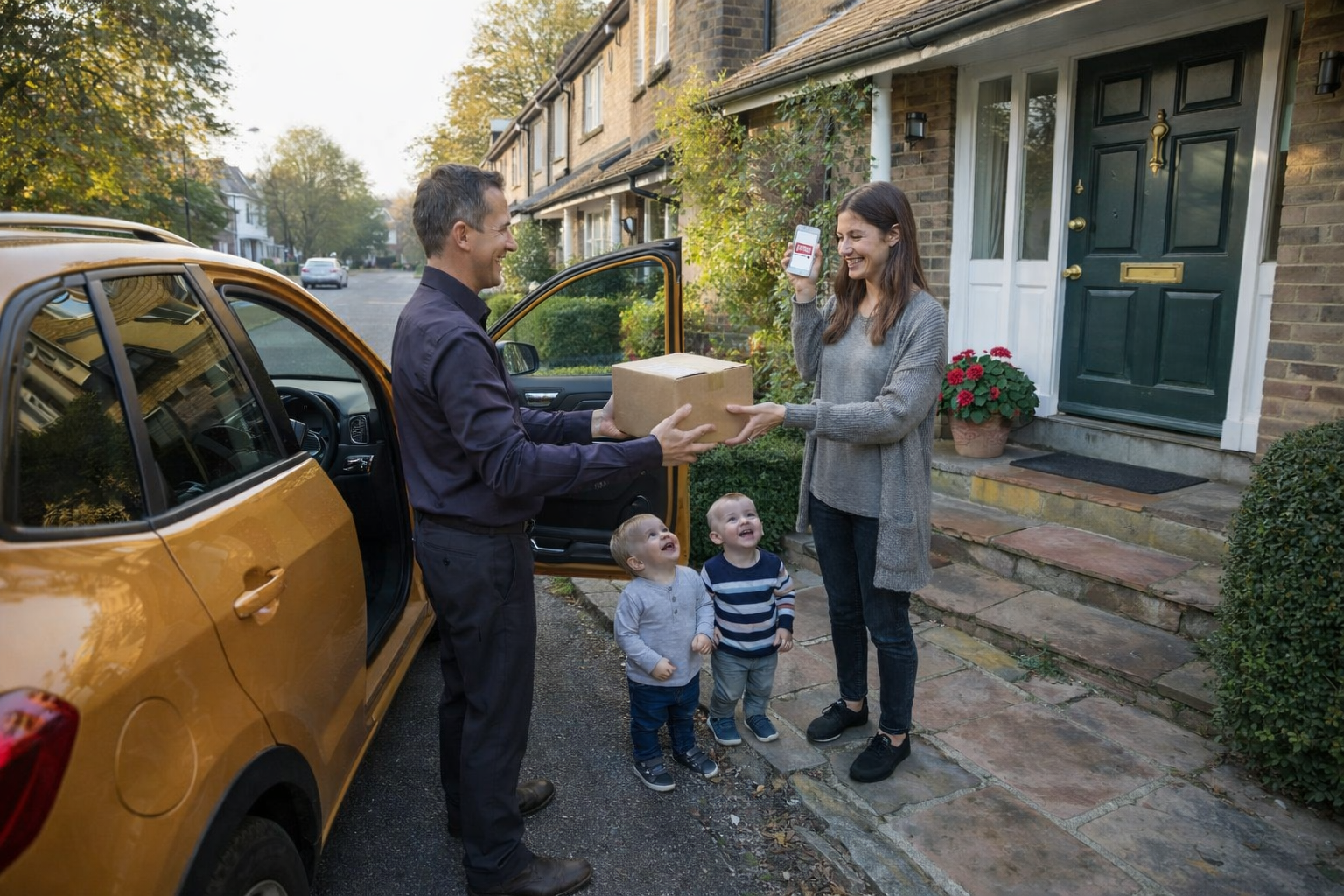
A driver comes to you, prints your labels, and takes your packages—done.

Best For:

  • Standard packages
  • PDF shipping labels
  • Non-urgent shipments

Limits:

  • Up to 5 packages per pickup
  • Max 30 lbs each, $1,000 total value
  • Trunk-friendly sizes
  • No QR codes or time-sensitive shipments