✓ Zero-cost setup ✓ Self-service printing ✓ Revenue share ✓ Virtually no daily staff involvement
A useful addition.
An easy fit.
01 /
Made for self-service
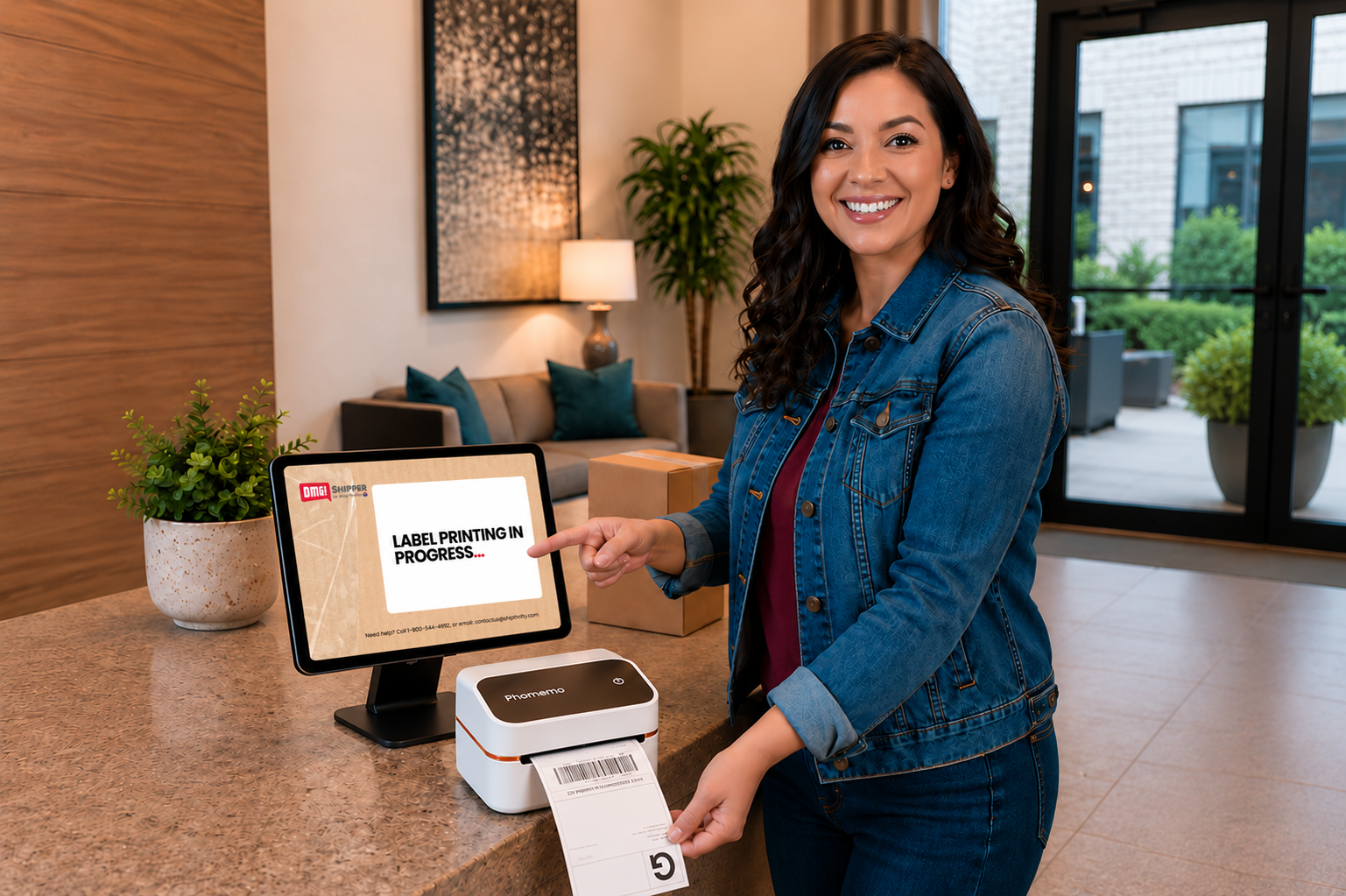
Residents create or upload labels in the app, then enter their print code at the OMGshipper tablet. Your team doesn’t process labels or payments.
02 /
A small setup
A tablet, thermal label printer, scale, and tape measure fit in an accessible spot. With Wi-Fi ready, installation typically takes under an hour.
03 /
Value beyond convenience
Earn a share of label-printing revenue. For OMGshipper pickups, a documented chain of custody gives residents visibility from collection to carrier drop-off.
YOUR BUILDING. THE RIGHT OPTIONS.
Choose what
works here.
Choose label printing alone or add the pickup options that fit your community.
PRINTING
Label printing
Residents create shipping labels or upload prepaid USPS, UPS, and FedEx shipping or return labels from any retailer, then print onsite.
• Self-service OMGshipper tablet
• Residents take packages to a matching carrier drop-off
No onsite package drop-off or Amazon QR building pickup.
PRINTING + DROP-OFF
Keep it in
the building
Add a designated outgoing area for sealed, labeled packages from carriers your property accepts.
• Everything in label printing
• The property asks carriers to collect outgoing packages when they visit
Amazon QR returns with building pickup are not included.
PRINTING + DROP-OFF + AMAZON
One less trip
for returns
Add eligible Amazon QR returns with scheduled building batch pickup on agreed days of the week, where available.
• Label printing and onsite drop-off
• Designated Amazon return area
• Coordinated pickup schedule and cutoff
• Vetted local transportation companies take Amazon returns to UPS
FROM SETUP TO SEND-OFF.
Let’s get your
building ready.
01 /
Choose your offering
Tell us about your community. We’ll review location availability, printing, drop-off preferences, and Amazon QR pickup options.
02 /
Pick the spot
Choose an accessible tablet location with power and Wi-Fi. If you offer drop-off, designate the outgoing areas and coordinate access.
03 /
Show residents
We’ll help with setup and OMGshipper materials so residents know where to print, what’s available, and how to get started.
THE PRACTICAL DETAILS.
Simple for residents.
Clear for your team.
MORE CONVENIENCE STARTS WITH A CONVERSATION.
“You can ship
from here.”
Let’s make that part of life at your building.
Powered by Ship Thrifty. Since 2017.
© 2026 OMGshipper by Ship Thrifty, LLC.